Travel Scam Awareness: Digital Safety Before & During Trips
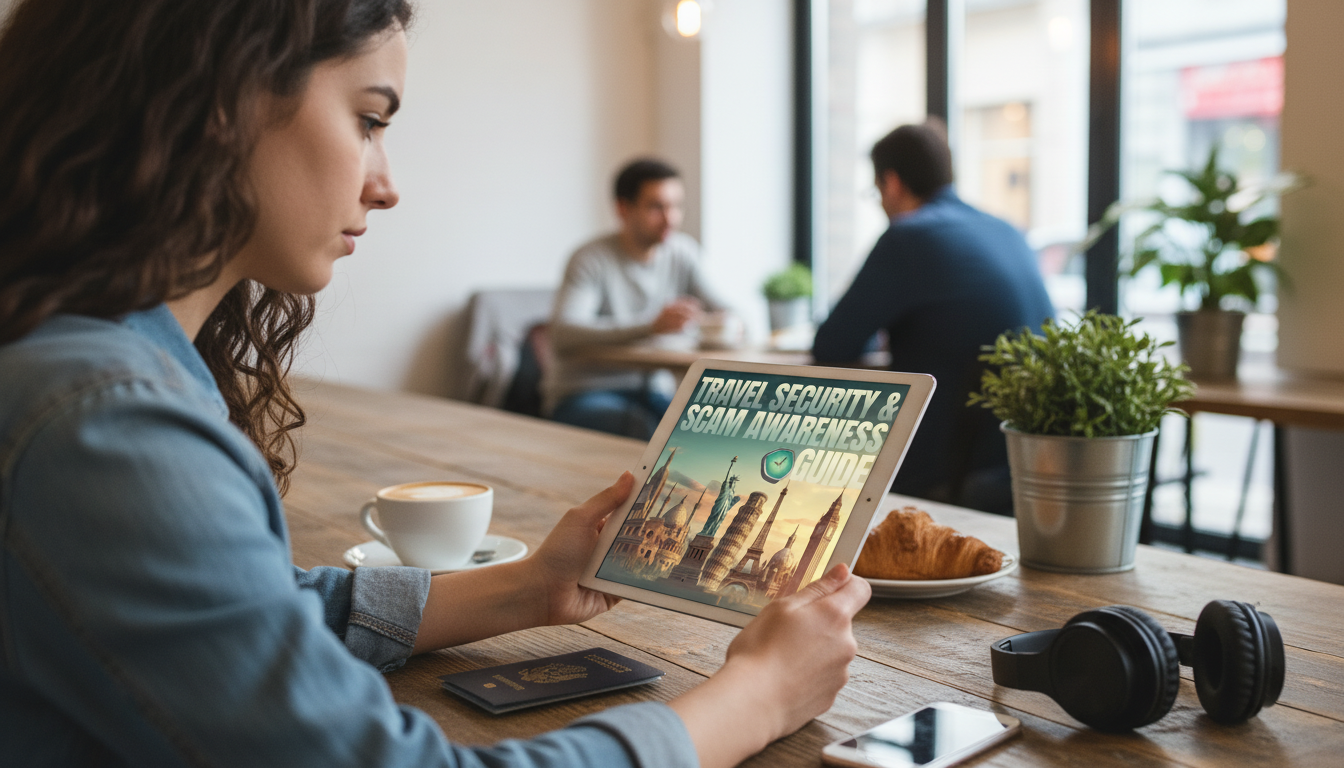
Travel Security & Scam Awareness Guide: Digital Safety Habits That Travel Well
Travel plans move fast—scammers move faster. Whether you’re landing in a new city for vacation, navigating a solo itinerary, or racing between meetings on a business trip, the highest-risk moments tend to be the ones where you’re rushed, overloaded, or relying heavily on your phone. The goal isn’t to travel scared; it’s to travel prepared—with simple routines that lower your odds of being targeted and help you recover quickly if something goes wrong.
If you want a carry-friendly, checklist-based companion, the Travel Security & Scam Awareness Guide (Digital Safety Handbook) is built for quick decisions on the move. For staying centered and resilient when travel stress spikes, pair it with Whole You: Holistic Wellness Guide.
What changes when traveling: risk hotspots and decision traps
Scams cluster around “high-friction” moments: arrivals and departures, ticket lines, currency exchange counters, late-night transit, crowded attractions, hotel lobbies, and conference venues. These are the exact places where attention is split—between bags, directions, schedules, and unfamiliar rules.
Travelers are targeted because distractions are predictable: language gaps make it harder to verify details, urgency pushes quick choices, and phone-based navigation and payments create a single point of failure. Across countries and cultures, the red flags tend to rhyme: manufactured urgency (“right now or you’ll lose it”), unsolicited “help,” too-good-to-be-true deals, and requests to move the conversation off official platforms.
Street scams and confidence tricks to recognize quickly
Many street scams use teamwork and distraction. A staged bump, spill, dropped item, or argument can split your attention while someone else checks your pockets or bag. Transportation traps are also common: unmetered taxis, rigged meters, fake ride-hail drivers, and reroutes like “your hotel is closed” designed to steer you into an inflated fare or a partner property.
Be extra cautious with “authority” pressure: bogus police checks, counterfeit fines, and demands to hand over passports or pay cash on the spot. And watch for payment manipulation—short-changing at exchange counters, ATM “helpers” who see your PIN or swap your card, skimming attempts, and counterfeit bills. Finally, modern scams increasingly use fake tours and tickets, including QR code posters that lead to fraudulent payment pages.
Quick scam check: what to do in the moment
| Scenario | Common tactic | Safer move |
|---|---|---|
| Taxi or ride offer at arrivals | Driver claims meter is broken or offers a “special price” | Use official taxi queues or in-app pickup; confirm price rules before entering; avoid handing over phone for “help” |
| Street petition / bracelet / photo request | Small engagement escalates into a demand for payment | Decline without stopping; keep moving; hands off valuables and pockets |
| Unexpected “hotel is closed” advice | Redirect to a partnered property with inflated rates | Call the hotel using the number from the official site/booking confirmation; verify independently |
| ATM “assistance” | Helper watches PIN or swaps card | Use indoor bank ATMs; cover keypad; decline help; cancel transaction if crowded or suspicious |
| Uniformed demand for fine | Pressure to pay immediately in cash | Ask for ID, request to go to the station, and contact your embassy/consulate line if needed |
Phone and account hardening before departure
Your phone is your map, wallet, boarding pass holder, and translator—so harden it before you go. Start with lockscreen basics: a strong passcode (not a simple 4-digit PIN), biometrics, a short auto-lock timer, and hidden notification previews on the lockscreen so one glance doesn’t reveal a one-time code.
Next, tighten account control: turn on multi-factor authentication, verify recovery email/phone methods, and store backup codes offline (printed and kept separately, or in a secure password manager vault). Update your OS and apps, remove unused apps, and limit permissions—especially location, contacts, mic/camera, and accessibility features. Make sure device encryption is enabled.
Finally, test “Find My” or the equivalent device locator, and confirm you know how to remote lock and remote erase. Reduce what’s on the device: log out of nonessential accounts and move sensitive files into encrypted storage.
Wi‑Fi, Bluetooth, QR codes, and other digital ambush points
Payments and identity protection on the move
Solo traveler safety: boundaries, routines, and situational awareness
Business trips: protecting company devices, data, and reputation
If something goes wrong: fast-response checklist
If scammed in person, prioritize safety—disengage, move to a staffed public location, and document details afterward (screenshots, transaction IDs, times, locations, descriptions). For additional guidance and reporting, review resources from the Federal Trade Commission, the U.S. Department of State, and Europol.
A practical handbook to carry: structured checklists and real-world scenarios
FAQ
What are the most common travel scams to watch for?
Common scams include taxi and ride-hail traps at arrivals, distraction theft in crowds, ATM “help” that leads to PIN theft or card swaps, fake authority checks demanding cash fines, and bogus tickets/tours—often pushed through QR codes or payment links. Universal red flags are urgency, unsolicited help, and requests to move off official channels.
Is public Wi‑Fi safe to use while traveling?
Public Wi‑Fi can be risky due to lookalike hotspots, phishing captive portals, and traffic interception on unsecured networks. Safer options are cellular data or a personal hotspot, disabling auto-join, and avoiding sensitive logins or payments on unknown Wi‑Fi.
What should be done immediately after a phone is stolen abroad?
Immediately lock/locate the device and remote erase if needed, then change key passwords (starting with email) and revoke active sessions. Contact your carrier to suspend the SIM/eSIM, notify banks if payment apps were accessible, and document details for police reports and disputes.











Leave a comment